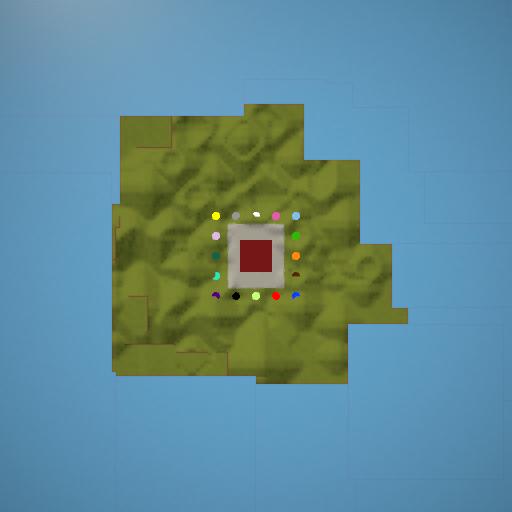
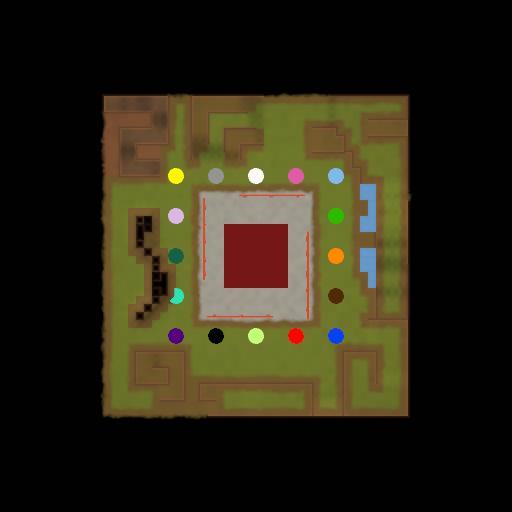
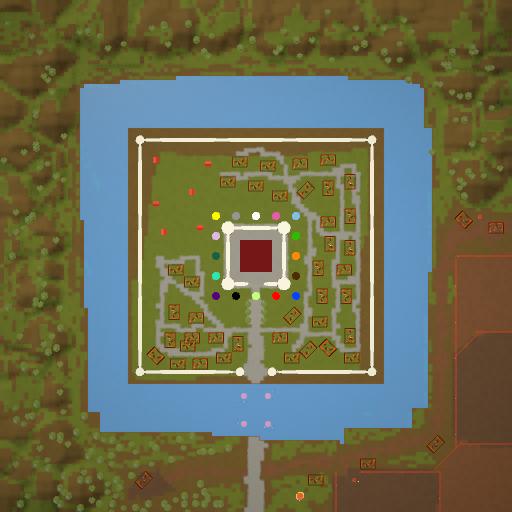
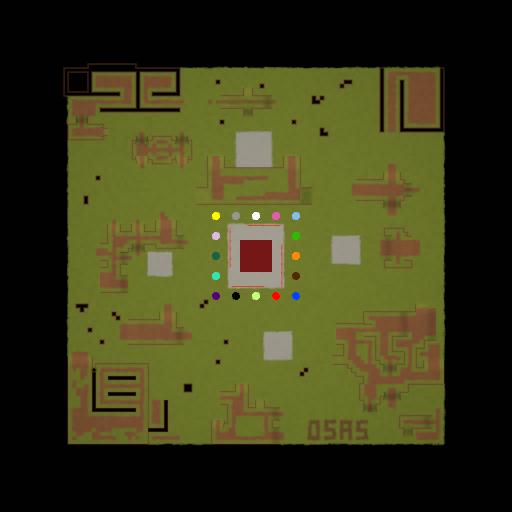
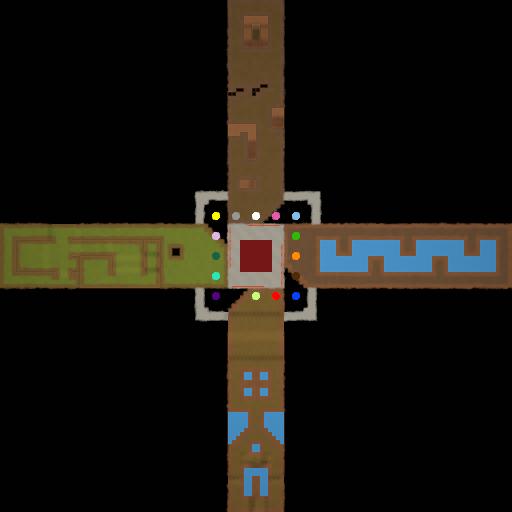
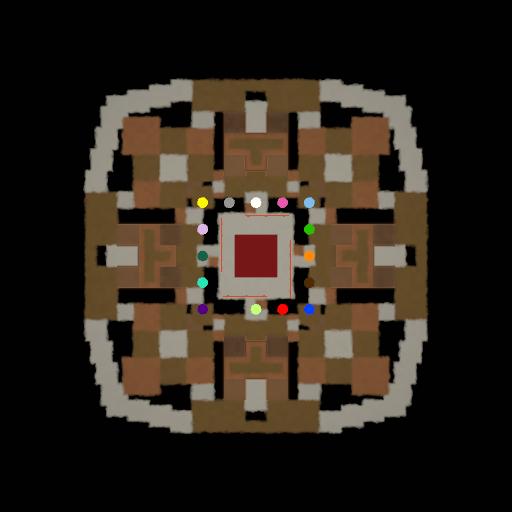
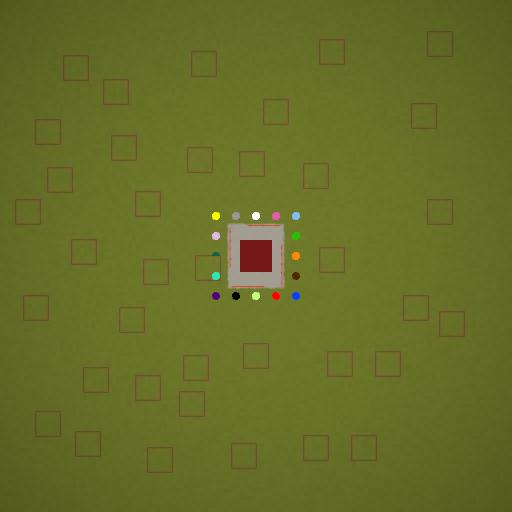
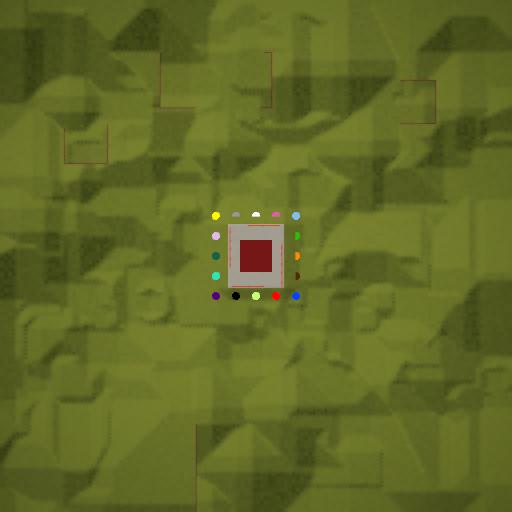
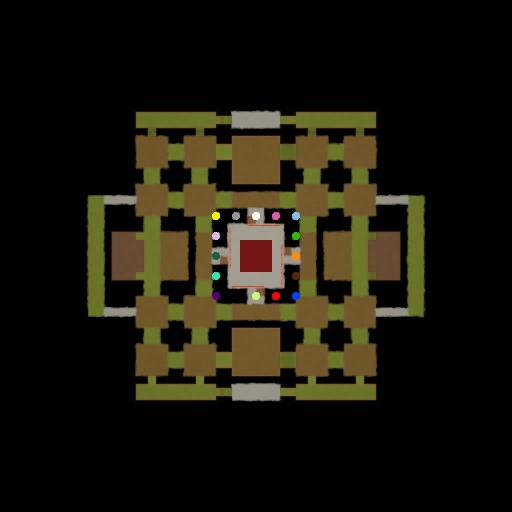
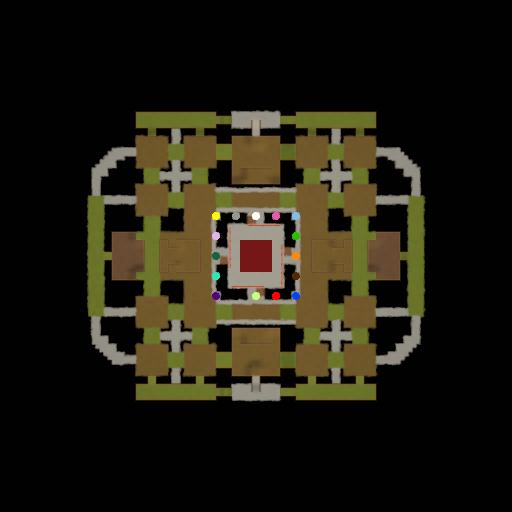
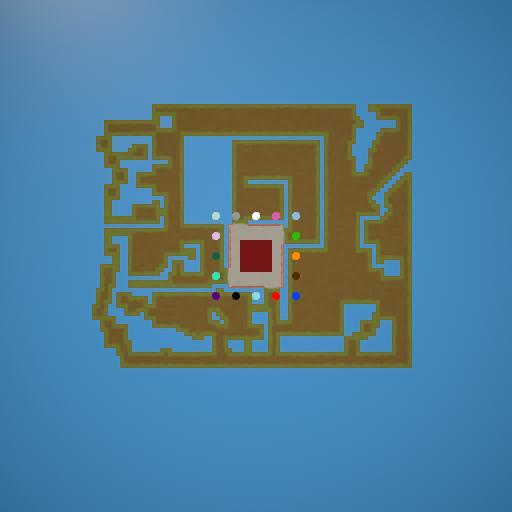
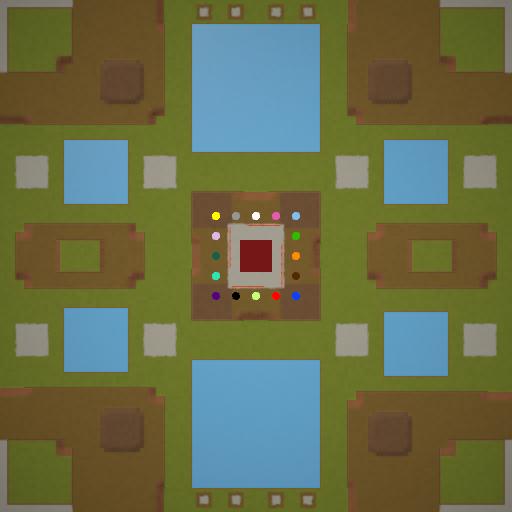
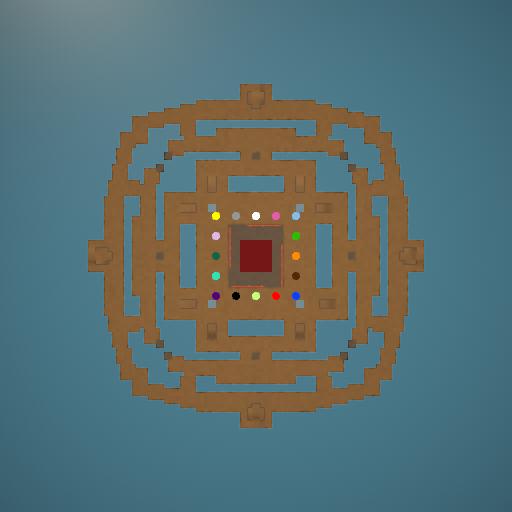
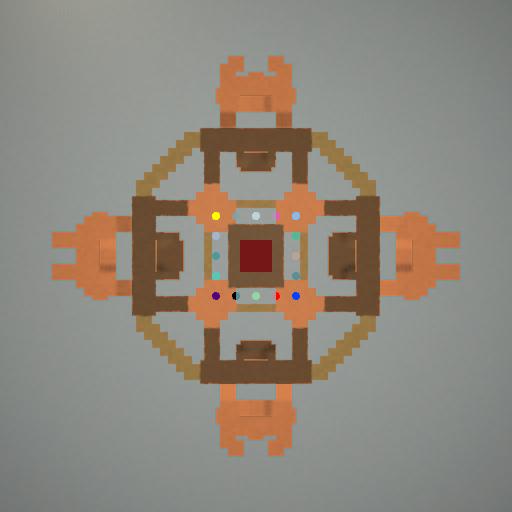
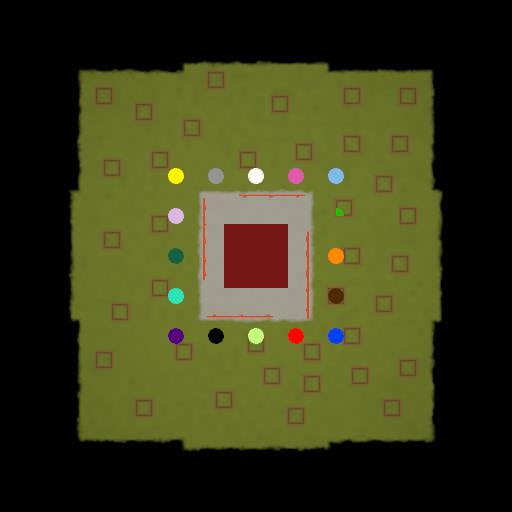
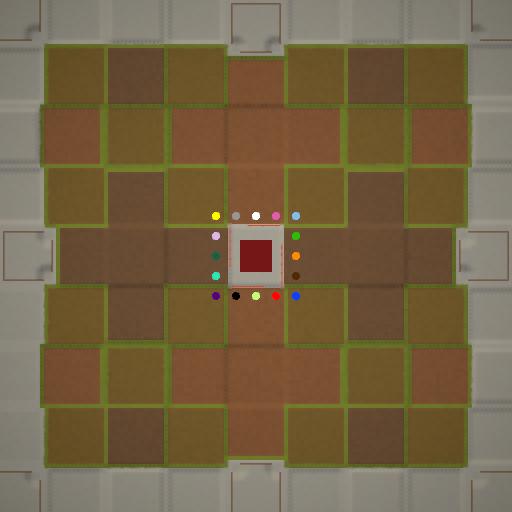
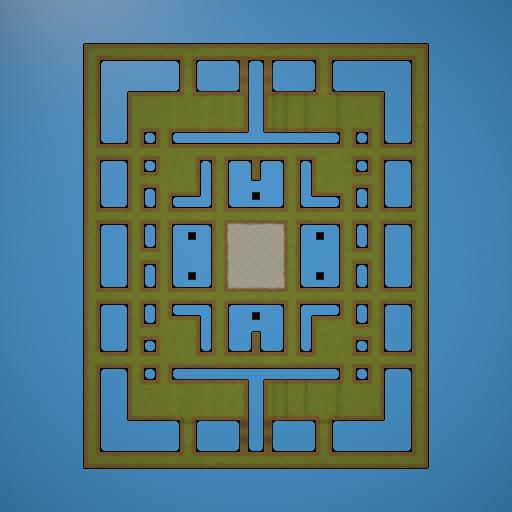
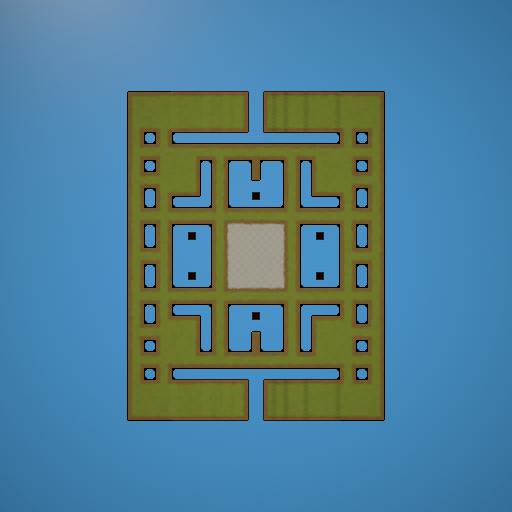
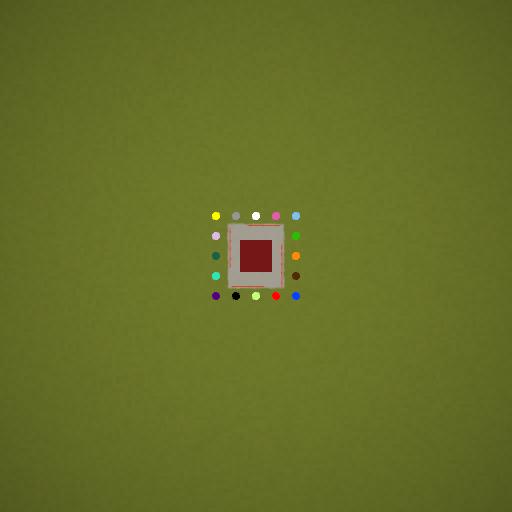
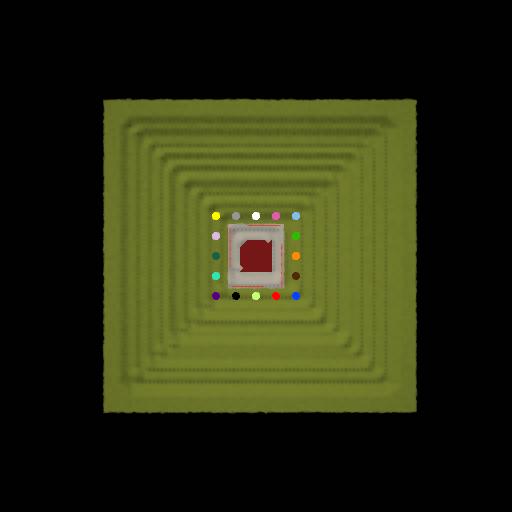
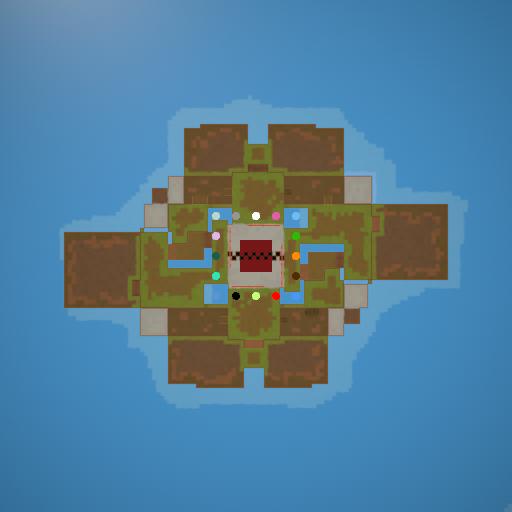
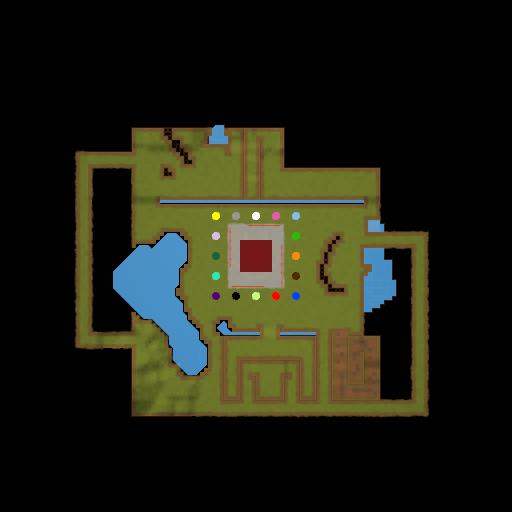
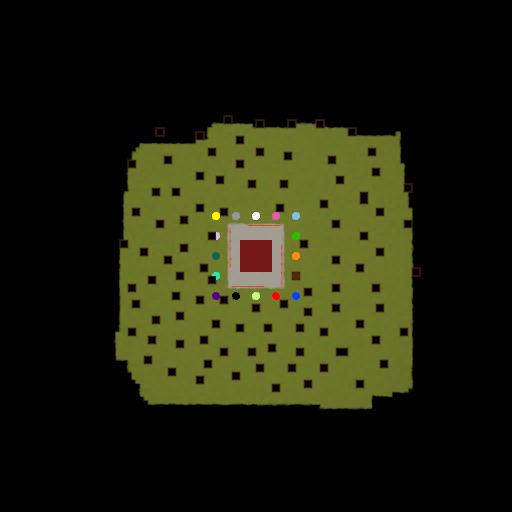
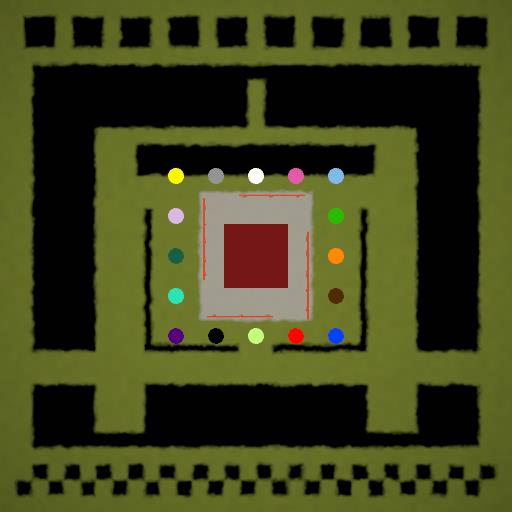
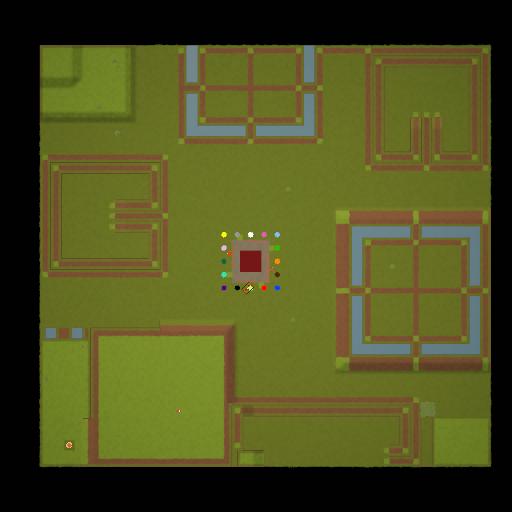
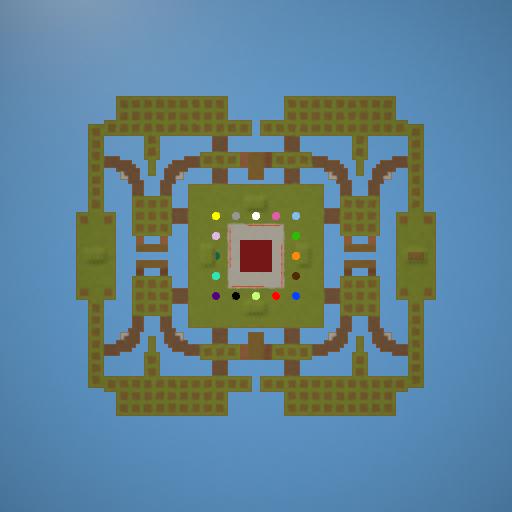
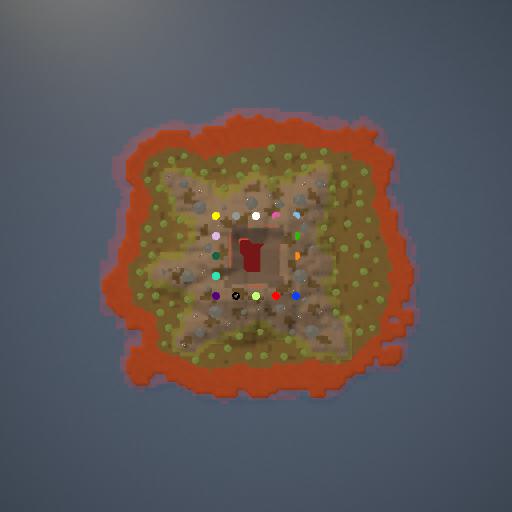
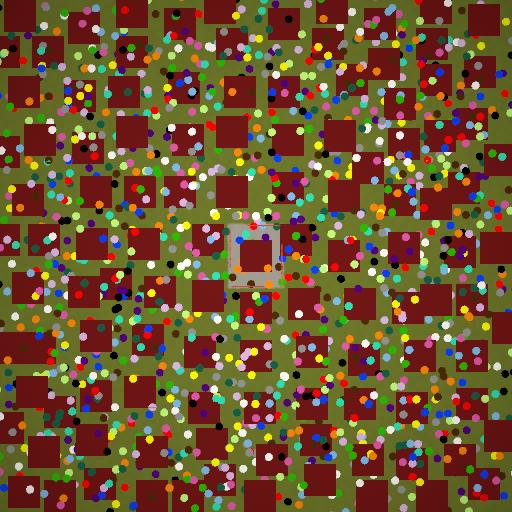
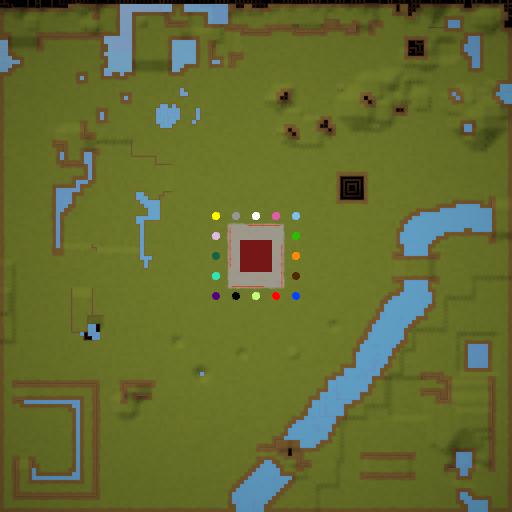
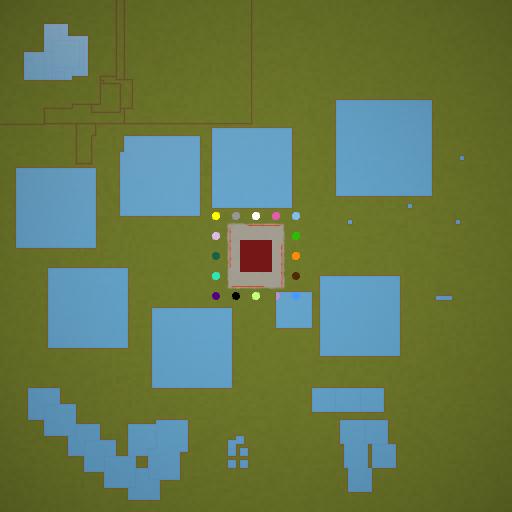
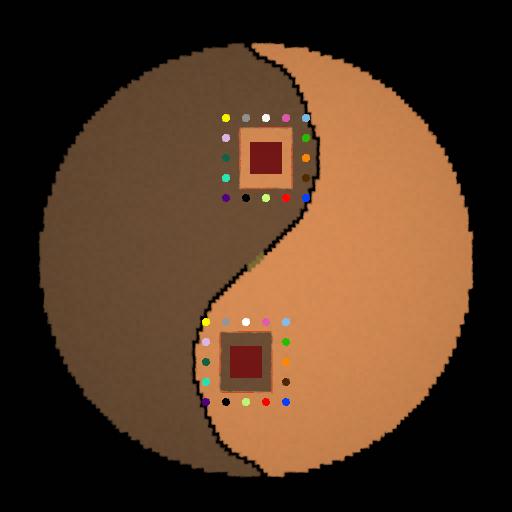
by Luna Wolf Studios
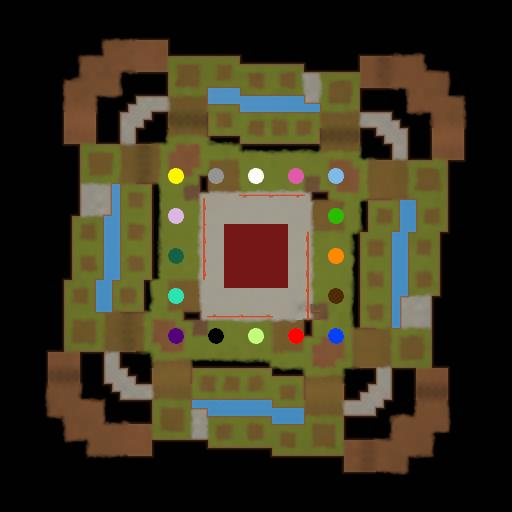
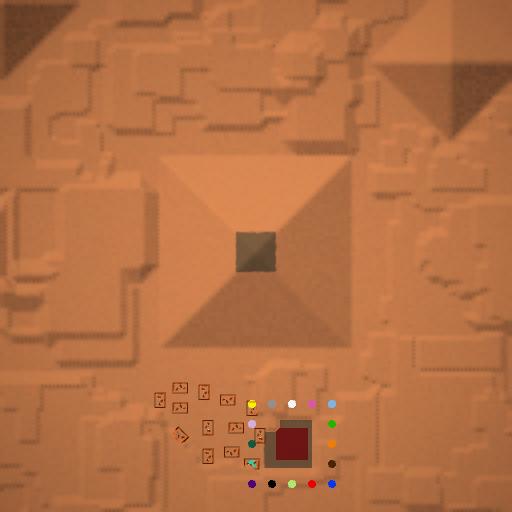
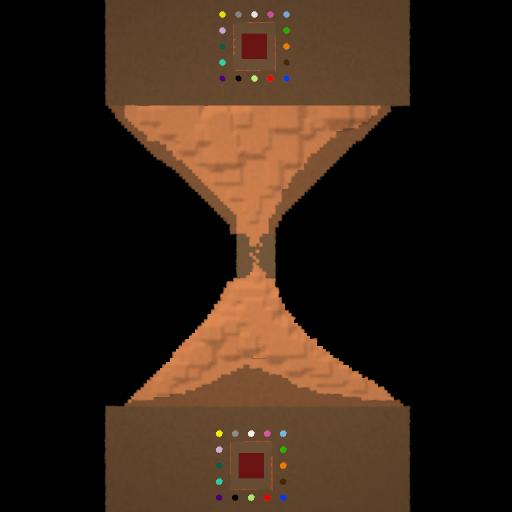
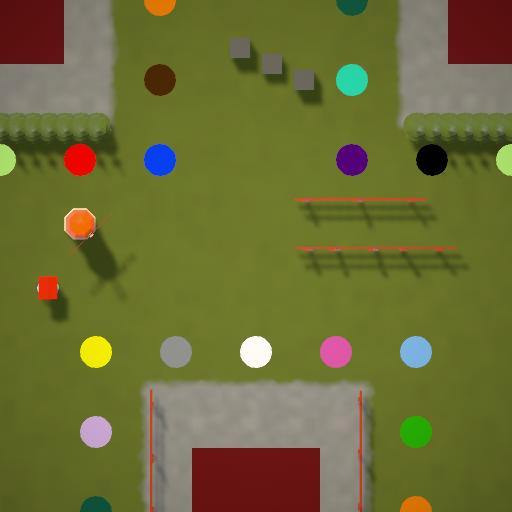
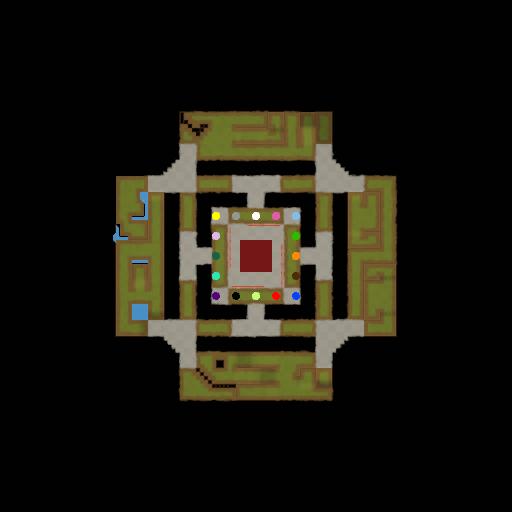
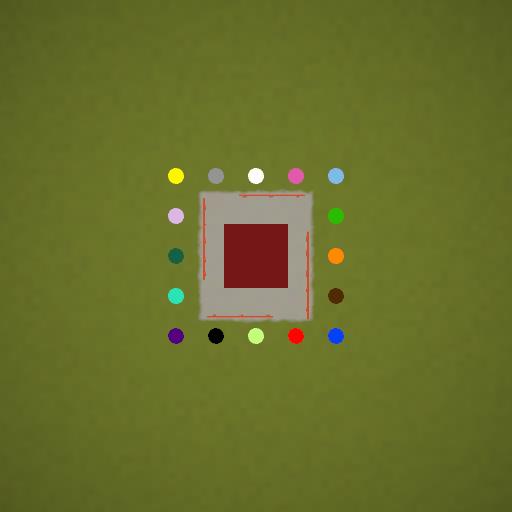
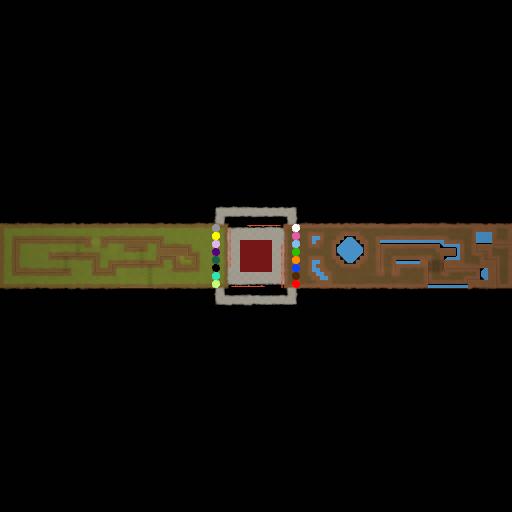
160×160 Abyss v2
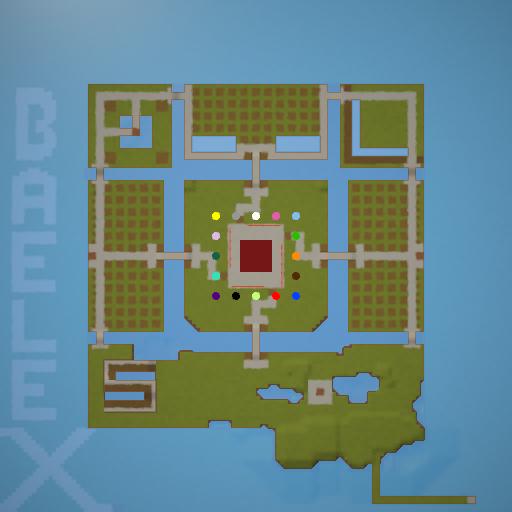
by Baelex
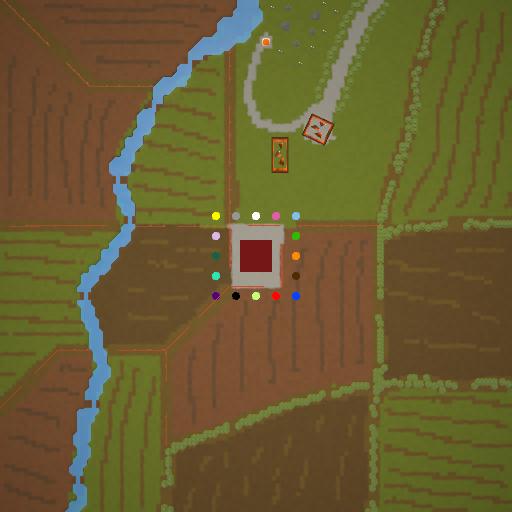
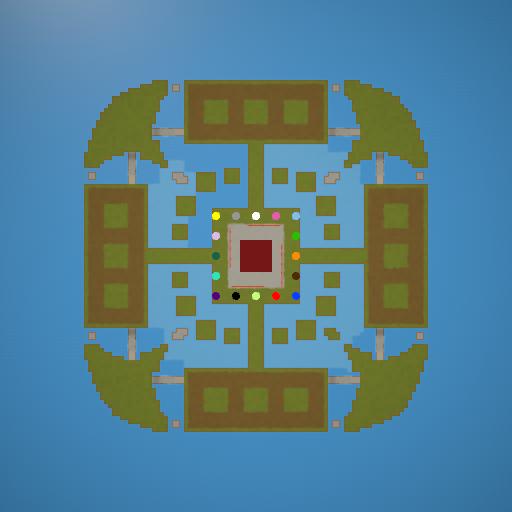
128×128 Pasture v2a
by Luna Wolf Studios
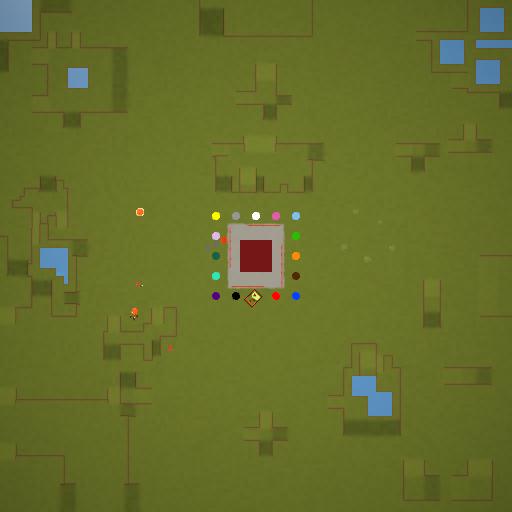
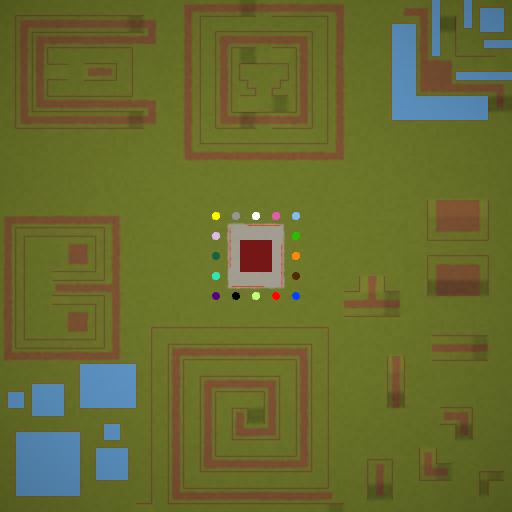
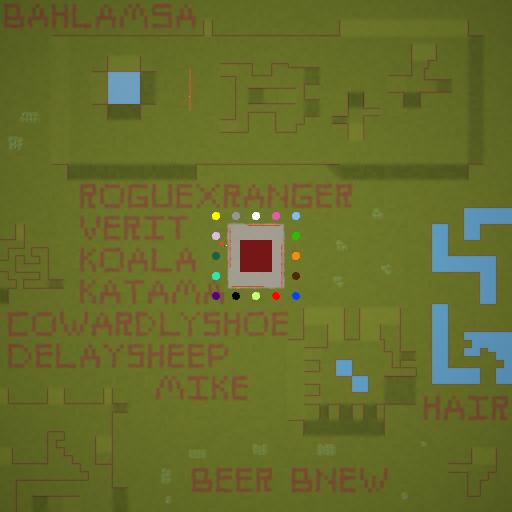
128×128 Pasture v2
by Luna Wolf Studios
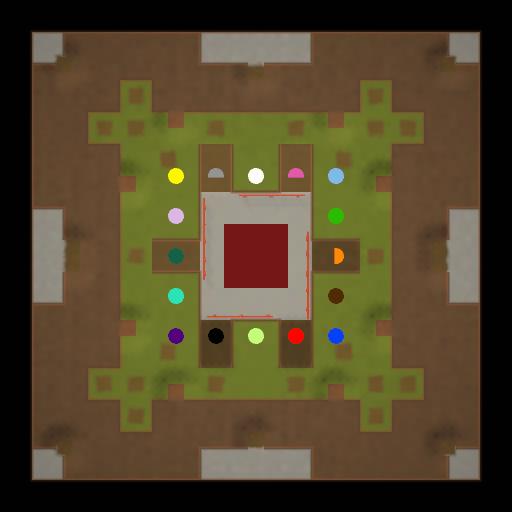
128×128 Pasture v2
by justinwins
64×64 Pasture v2
by Luna Wolf Studios
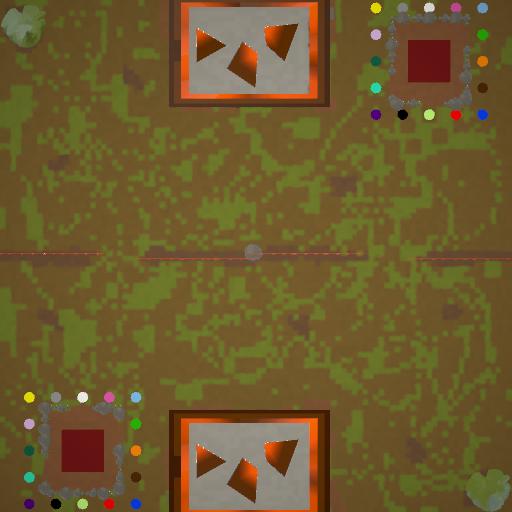
160×160 Caldera v2
by Luna Wolf Studios
160×160 Canyon v2
by Aceiys
128×128 Pasture v2
by Luna Wolf Studios
192×192 Pasture v2
by Aceiys
128×128 Pasture v2
by Aceiys
128×128 Pasture v2
by Luna Wolf Studios
128×128 Pasture v2
by Aceiys
128×128 Pasture v2
by Aceiys
128×128 Pasture v2
by Luna Wolf Studios
128×128 Fire and Ice v2
by Luna Wolf Studios
128×128 Pasture v2
by Luna Wolf Studios
224×224 Fortress v2
by Luna Wolf Studios
32×32 Foundry v2
by justinwins
128×128 Pasture v2
by Luna Wolf Studios
128×128 Glades v2
by Luna Wolf Studios
96×96 Grove v2
by Luna Wolf Studios
256×256 Haven v2
by Luna Wolf Studios
128×128 Pasture v2
by Luna Wolf Studios
128×128 Pasture v2
by Aceiys
128×128 Pasture v2
by Luna Wolf Studios
128×128 Pasture v2
by Aceiys
128×128 Pasture v2
by Aceiys
128×128 Pasture v2
by Aceiys
128×128 Pasture v2
by Luna Wolf Studios
96×96 Meadow v2
by Aceiys
128×128 Pasture v2
by Aceiys
128×128 Foundry v2
by Luna Wolf Studios
128×128 Pasture v2
by Aceiys
128×128 Pasture v2
by justinwins
128×128 Pasture v2
by justinwins
128×128 Pasture v2
by Luna Wolf Studios
128×128 Pasture v2
by Aceiys
128×128 Pasture v2
by Luna Wolf Studios
128×128 Ruin v2
by Aceiys
128×128 Pasture v2
by justinwins
128×128 Pasture v2
by Luna Wolf Studios
160×160 Snowdrift v2
by Aceiys
128×128 Pasture v2
by Luna Wolf Studios
192×192 Summit v2
by Luna Wolf Studios
160×160 Taiga v2
by Luna Wolf Studios
128×128 Tundra v2
by Luna Wolf Studios
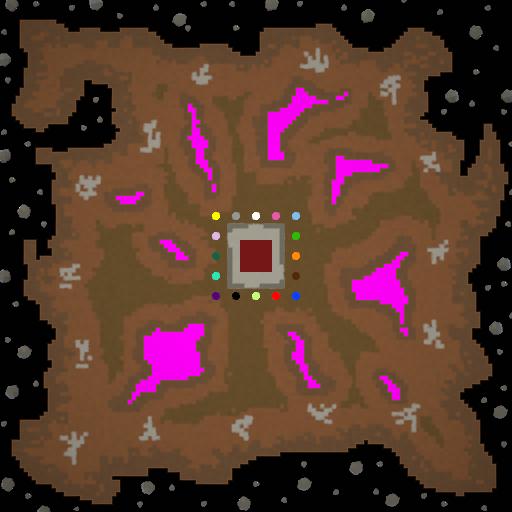
128×128 Abyss v2
by Luna Wolf Studios
64×64 Pasture v2
by Luna Wolf Studios
32×32 Pasture v2
by Luna Wolf Studios
64×64 Thicket v2
by Aceiys
128×128 Pasture v2
by Luna Wolf Studios
64×64 Pasture v2
by Luna Wolf Studios
160×160 Tundra v2
by justinwins
128×128 Pasture v2
by Aceiys
128×128 Pasture v2
by Aceiys
128×128 Pasture v2
by justinwins
128×128 Pasture v2
by Luna Wolf Studios
128×128 Pasture v2
by Luna Wolf Studios
128×128 Wildwood v2
Terrains are shared under CC BY 4.0 — please credit the author.
Where do I put downloaded terrains? Place downloaded terrain .st2 files in your Sheep Tag 2 custom data folder (it differs per operating system):
Windows %USERPROFILE%\AppData\LocalLow\Luna Wolf Studios\Sheep Tag 2\Custom\
Copy macOS ~/Library/Application Support/Luna Wolf Studios/Sheep Tag 2/Custom/
Copy Linux ~/.config/unity3d/Luna Wolf Studios/Sheep Tag 2/Custom/
Copy Tip: on Windows the AppData folder and on macOS the Library folder are hidden by default — you may need to enable “show hidden files.”